Start with the order
Capture loading, delivery, references, cargo, timing and vehicle requirements in one record.
Turn transport order information into a controlled workflow from first email to completed delivery.
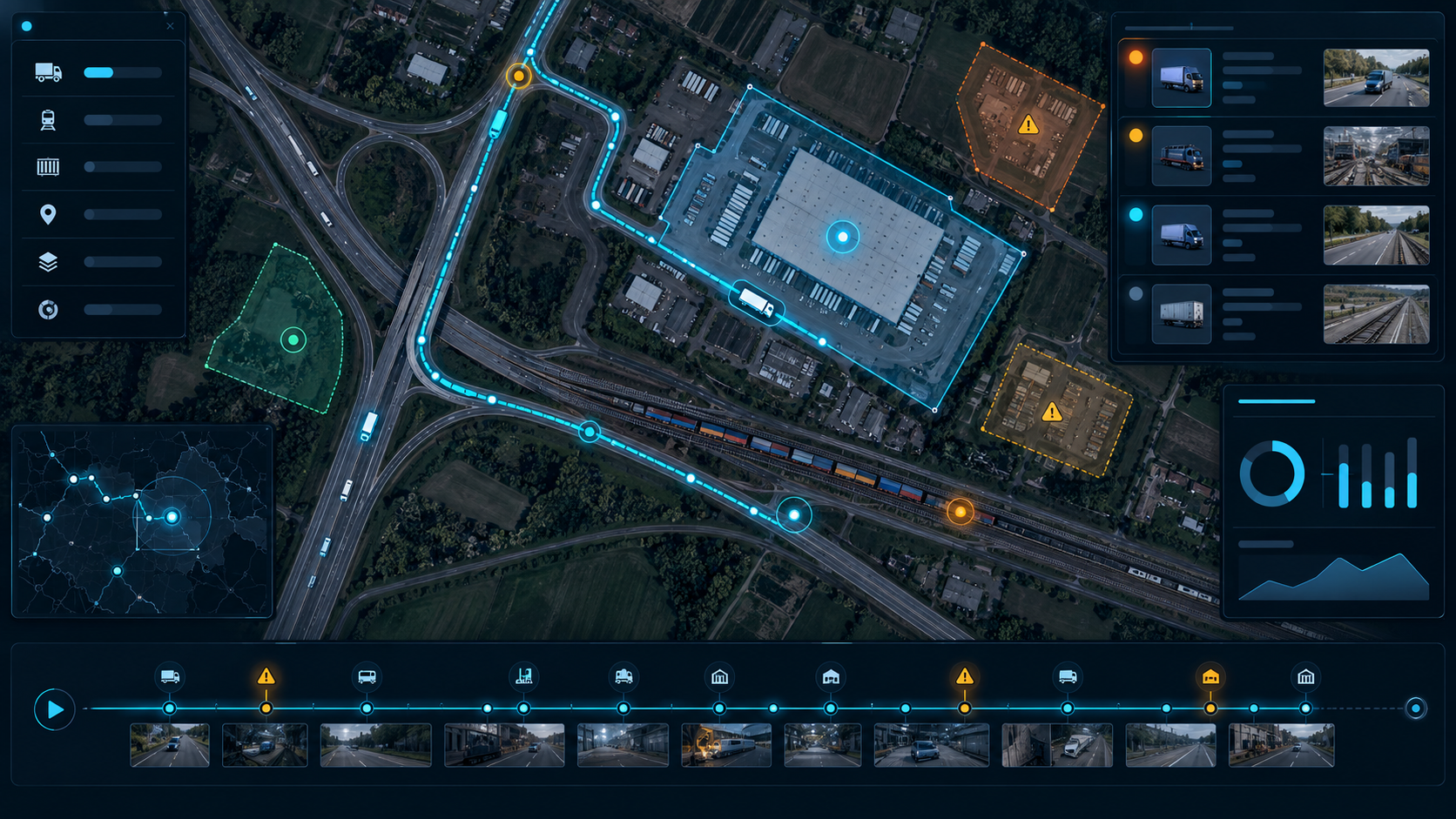
Capture loading, delivery, references, cargo, timing and vehicle requirements in one record.
Keep route, driver, documents, ETA and operational notes connected to the same transport order.
Follow status changes, exceptions and delivery proof before the order moves to billing.
For a multi-stop journey, review the loading window, border crossing, vehicle profile and a suitable rest stop. Compare route options using your actual operating costs, not a universal cost-per-kilometre assumption.
Browse the Cargo Marketplace for a load near the delivery point. Check empty running, timing and contractual conditions before accepting the next job.
Compare available location updates and road context with the agreed delivery time. Validate the situation with the driver, then communicate a revised plan.
Use Try Eye demo in the menu to open the Eye workspace. A demo is for evaluating the interface; connected sources and account permissions determine the available features.
No. Availability and media formats vary by provider. Some cameras offer periodically refreshed photos, while others offer video or an external viewing page.
No. Dispatchers and drivers must verify the vehicle profile, current restrictions, road signs and commercial conditions before travelling.