See the fleet
Keep truck positions, assignments and route progress close to the dispatch decision.
Give dispatch teams a live operational view of vehicles, route context and cargo-related risk signals.
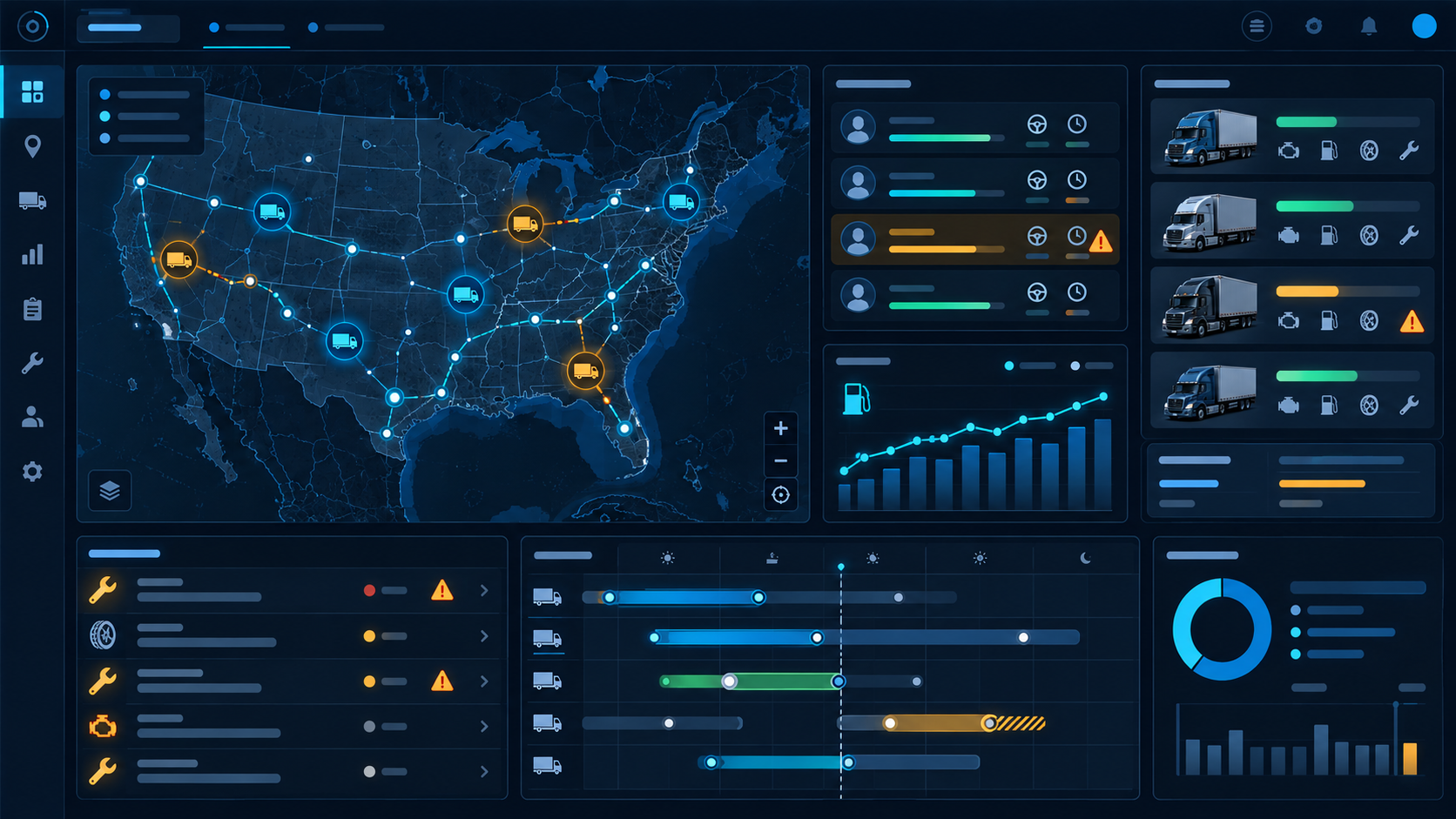
Keep truck positions, assignments and route progress close to the dispatch decision.
Use traffic, weather, incidents, parking and border context to identify problems before they become delays.
Bring public risk indicators and operational notes into the same view without replacing professional judgement.
For a multi-stop journey, review the loading window, border crossing, vehicle profile and a suitable rest stop. Compare route options using your actual operating costs, not a universal cost-per-kilometre assumption.
Browse the Cargo Marketplace for a load near the delivery point. Check empty running, timing and contractual conditions before accepting the next job.
Compare available location updates and road context with the agreed delivery time. Validate the situation with the driver, then communicate a revised plan.
Use Try Eye demo in the menu to open the Eye workspace. A demo is for evaluating the interface; connected sources and account permissions determine the available features.
No. Availability and media formats vary by provider. Some cameras offer periodically refreshed photos, while others offer video or an external viewing page.
No. Dispatchers and drivers must verify the vehicle profile, current restrictions, road signs and commercial conditions before travelling.